
- Home
- Convert To
We can migrate any number of historical years, both single and multi currency entities, customized Chart of Accounts.
This is a full transactional conversion wherein we bring Chart of Accounts, Contact Master, Item Master, Opening Trial Balance, Invoices, Bills, Bank Transactions and Manual Journals. - FAQ
- Automated Tools







- Chart of Accounts
- Customer Details
- Supplier Details
- Opening Account Balances as of Conversion Date
- Open Invoices(Detailed) as of Conversion Date
- Open Bills(Detailed) as of Conversion Date
- Classes
- Item details
- Bank and Credit Cards balances as they reflect in the Trial Balance of MYOB on the conversion date
- The entire conversion and matching of Reports are done on ACCRUAL Basis
- We match the account transaction as fed in the source software and not with the actual bank statements.
- We make our best attempt to give you the exact image of your MYOB data, however, due to the limitations of few fields which are different in MYOB and QuickBooks Online, we might have to use some workarounds to bring the transactions
- Expense Claims
- Purchase Orders
- Sales Estimates
- Tracked Inventory
- Payment Terms
- Deleted/Void Transactions
- Transaction lines with Nil Values
- Employee details
- Sales Rep
- Customer Jobs
- Attachments
- Unreconciled Transactions
- Allocation of Invoices or Bills against credit notes
- We are specialist in converting core financial information and we try our best to bring the other non-financial information as well, however, because of the limitation of APIs of both software’s, we might not be able to get few fields
- System Accounts like Retained Earnings, VAT control Account etc are used in QuickBooks Online for their counterpart accounts in MYOB
- We bring Wine Equalization Tax (WET) by adding a description line item to the invoices having WET. Please note that we do not bring WET as a Tax Type.
- Rounding can be different in QuickBooks Online and MYOB because of the data precision techniques used in both software.
- If the file has tracked inventory, we bring all the inventory items as Non-Inventory type in QuickBooks Online, and add Income account code and Inventory account code. Once the migration is done, as a post conversion task, you can convert Non-Inventory items as Inventory items by manually adding quantity on hand and adding the COGS/purchase code and the inventory asset code in the right columns.
Also, for Sales invoices, we bring the invoices with the correct item details, however, for the equivalent effect of COGS and Inventory code in the track inventory files, we pass a manual journal for each sales invoices. - We map all the tax codes used in the source file to QuickBooks Online simple tax codes. QuickBooks Online does have the option to switch to the detailed GST later, however, please note, previously coded transactions will remain as it is.
- All the bank transactions are fed in QuickBooks Online as unreconciled, you can mark them as reconciled once you add the opening and ending balance.
- Blank Bill reference Numbers and Invoice reference Numbers:- In case we find any invoice or bill without a number, we use a dummy number example for Bills:- Bill1, Bill2 and for Invoices - Inv1, Inv2.
- Duplicate reference Number in bank transactions or invoices/bills:- In case we find duplicate reference numbers then we use transaction numbers instead of reference numbers or make the numbers unique by appending an extra character with a hyphen
- Limitation of Reference number:- QuickBooks Online have limitations of 20 characters for Reference number thus for the reference numbers more than 20 characters we have to trim them to 20 characters.
MYOB CUSTOMER
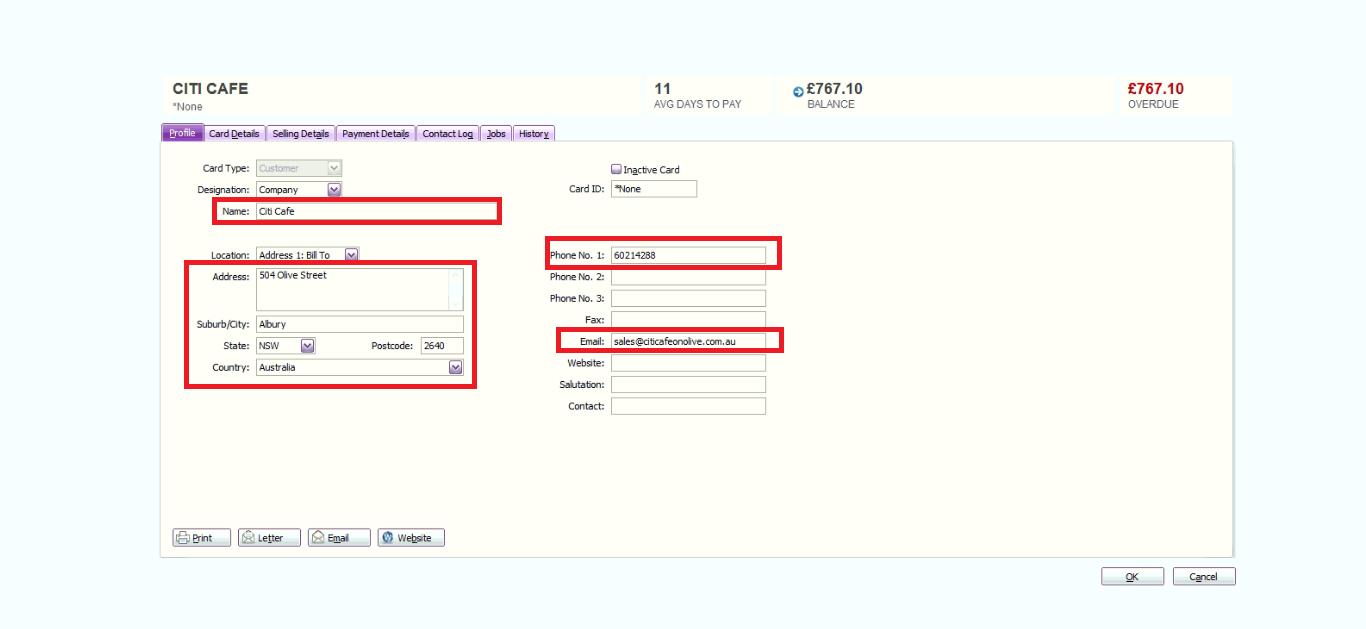
QuickBooks Online CUSTOMER
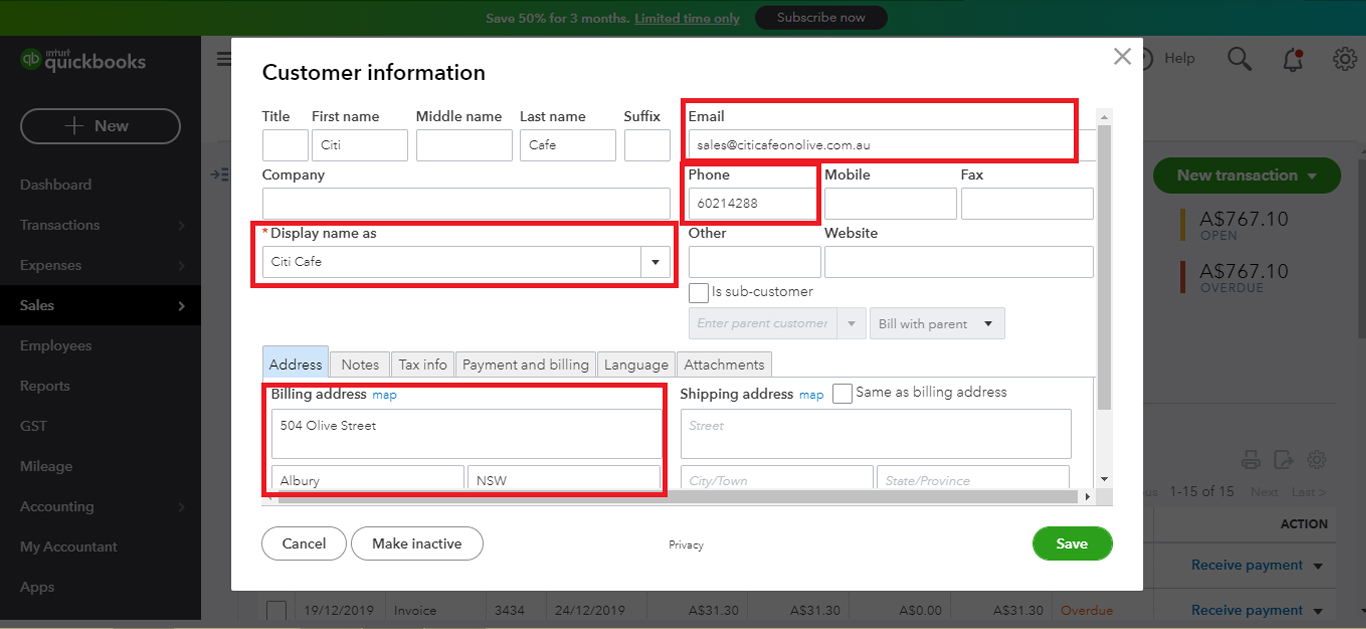
MYOB SUPPLIER
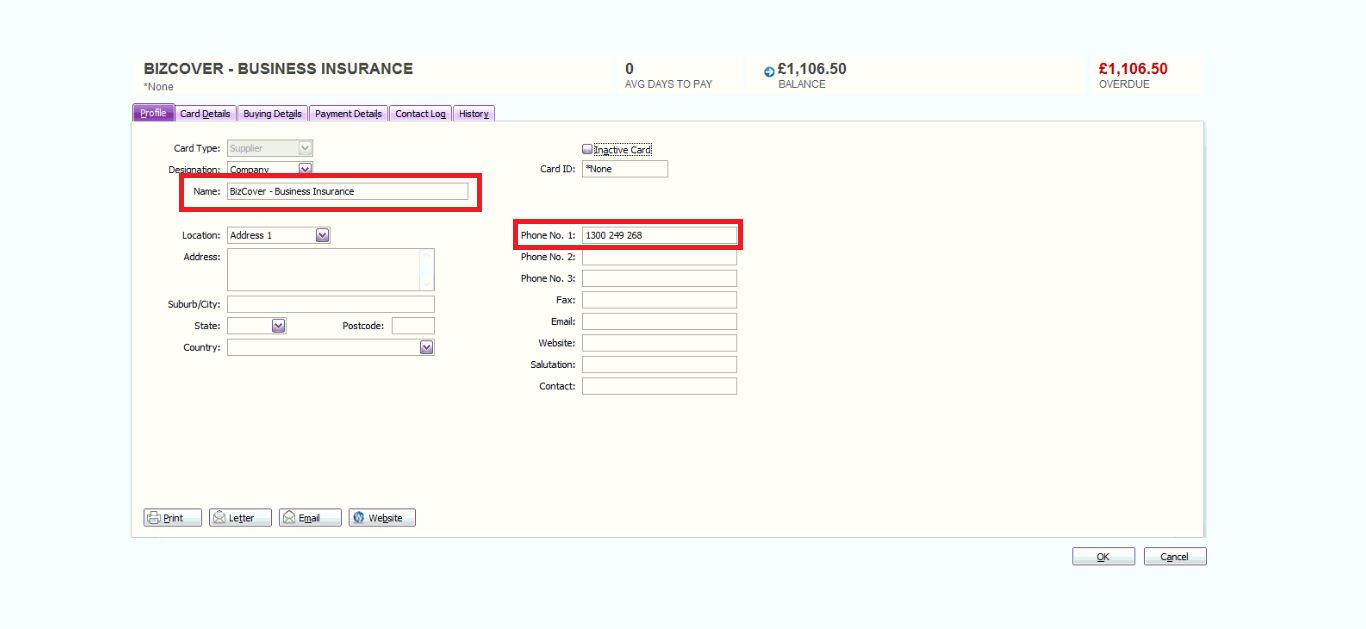
QuickBooks Online SUPPLIER

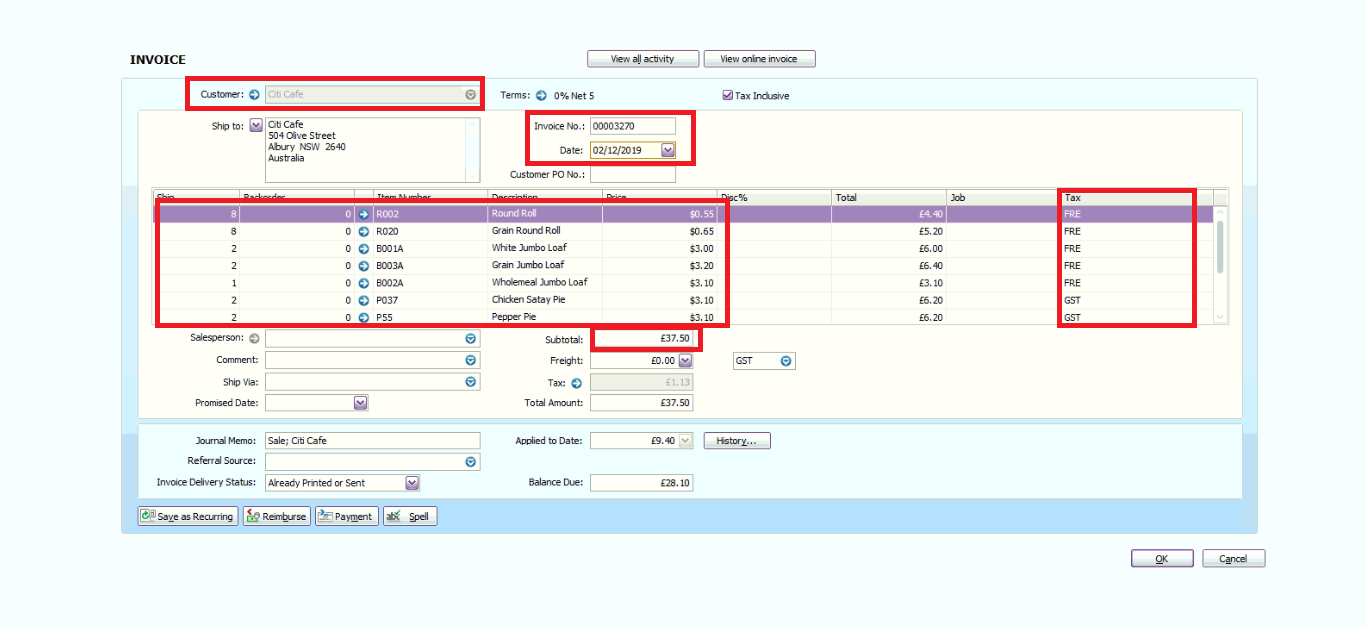
MYOB INVOICE
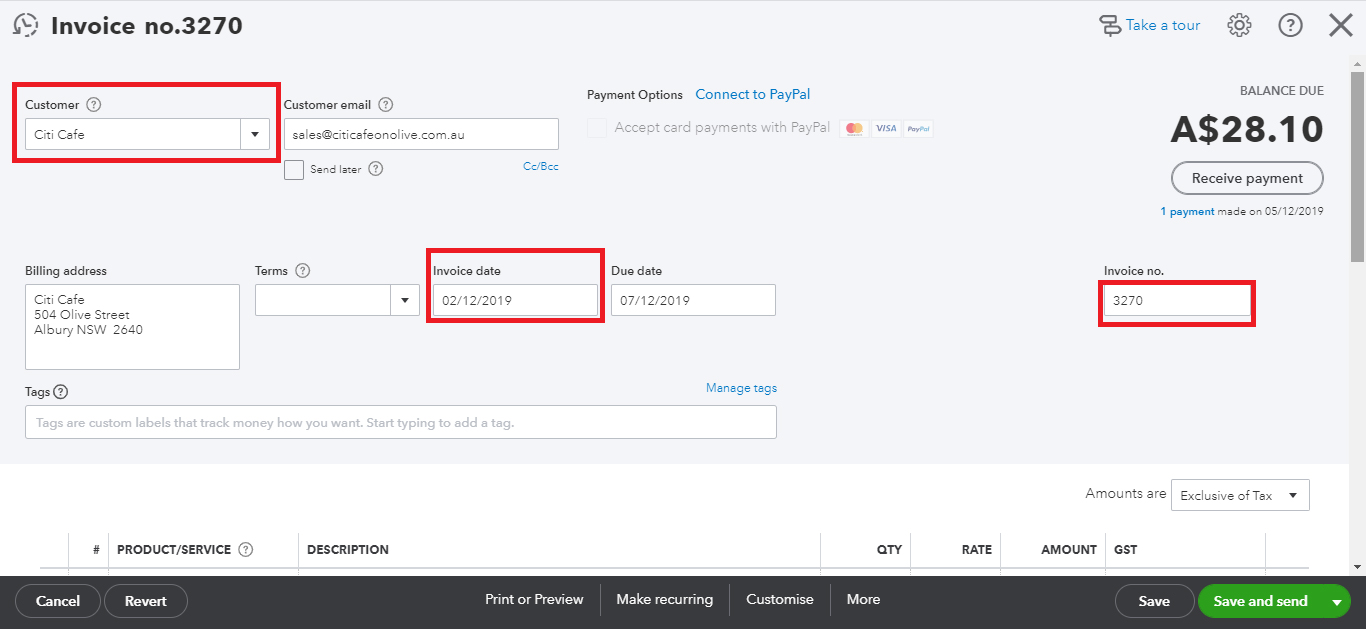
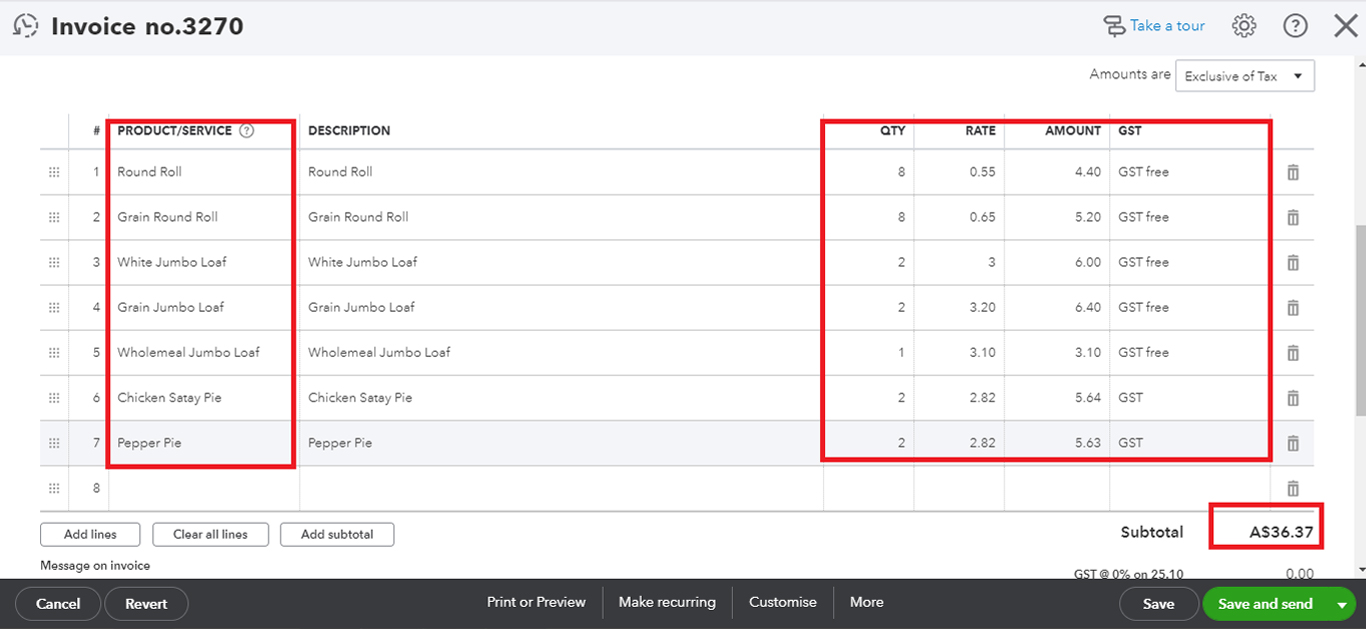
QuickBooks Online INVOICE
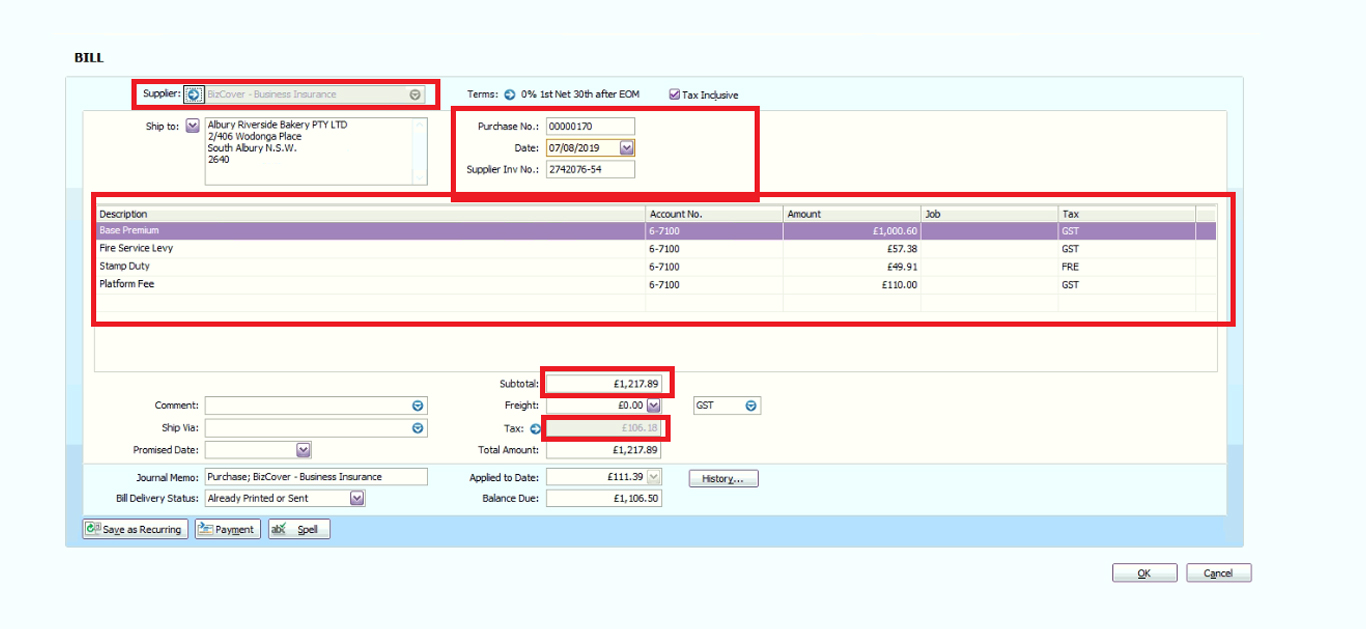
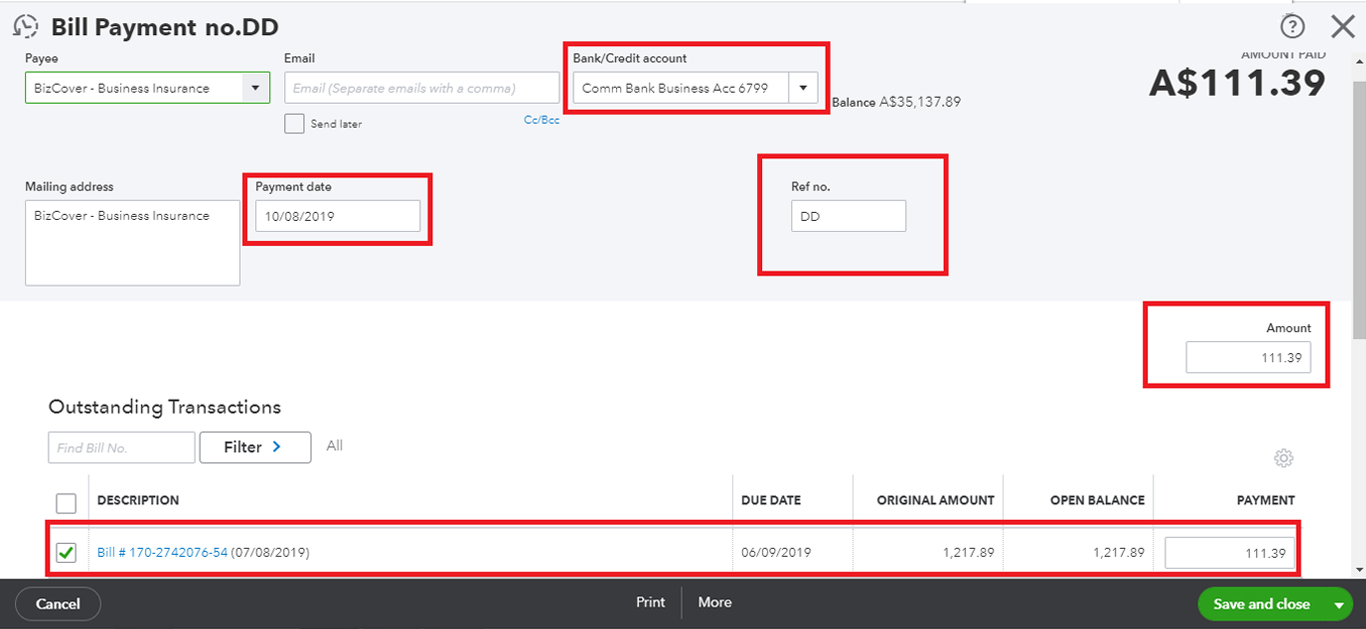
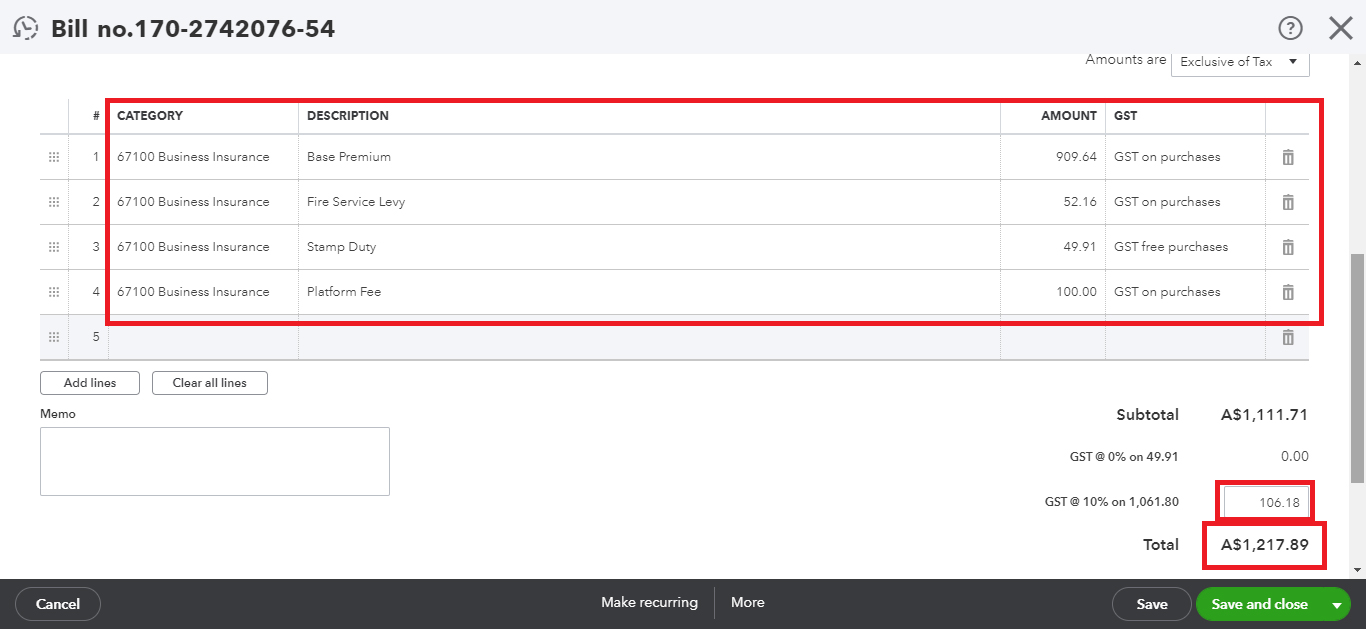
MYOB BILL
QuickBooks Online BILL
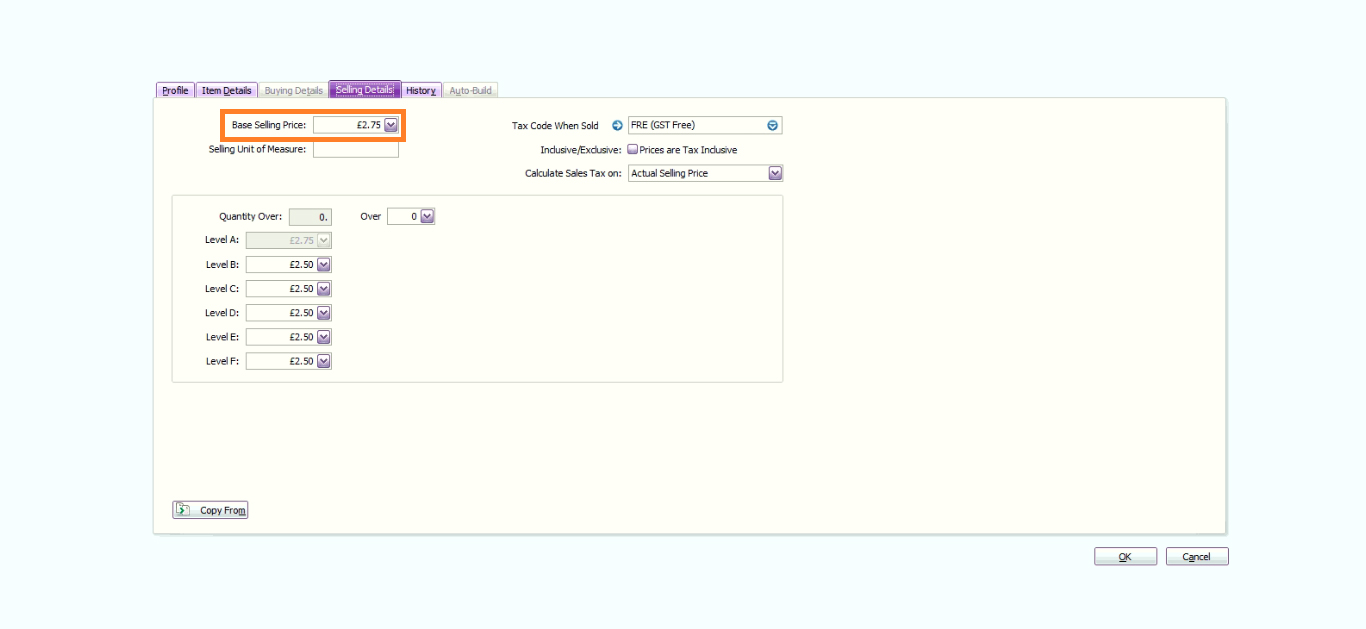
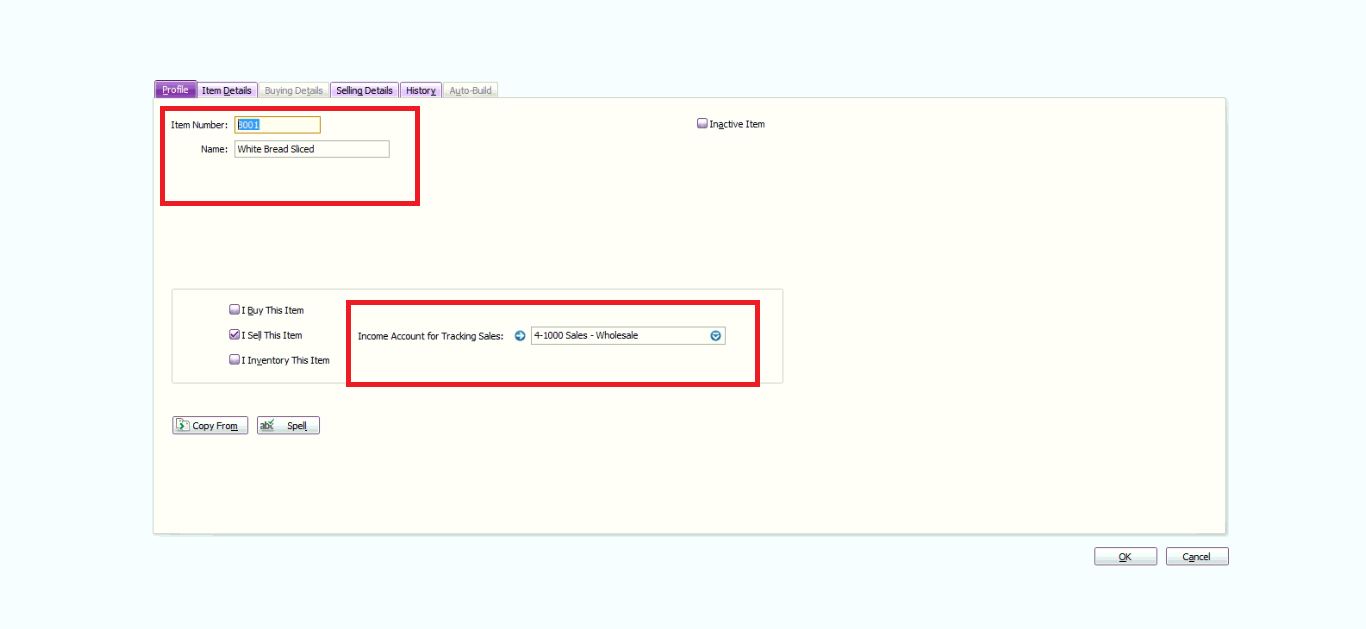
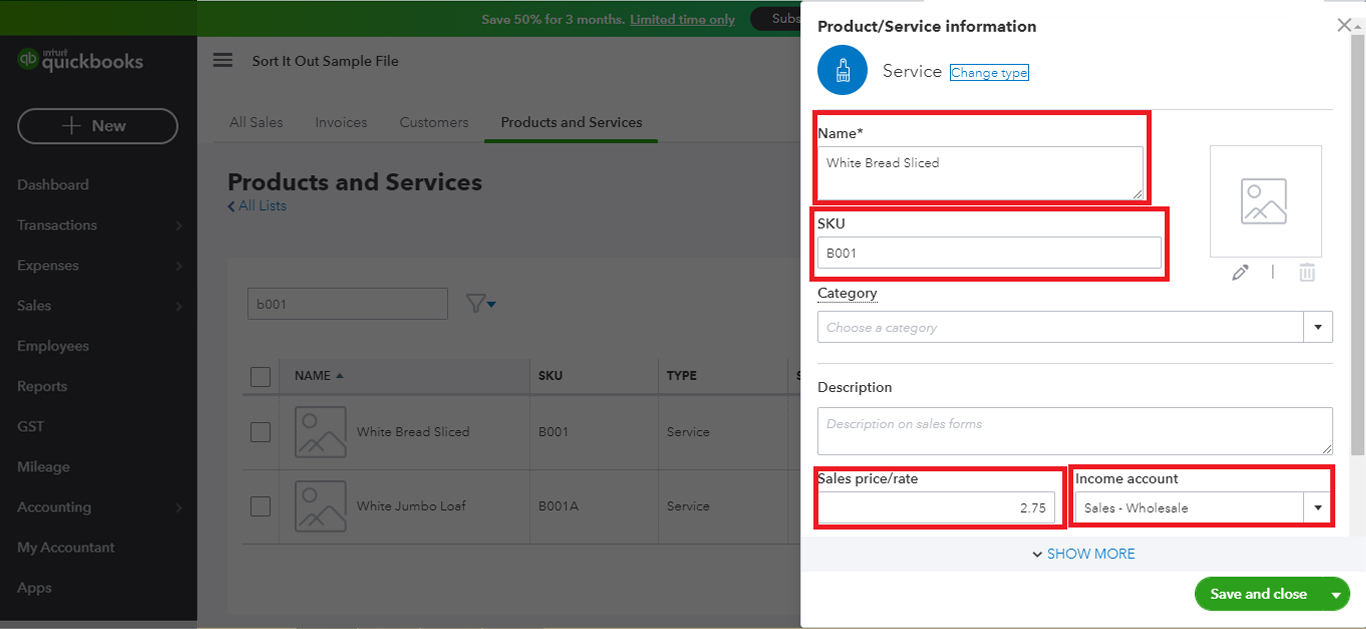
MYOB ITEM
QuickBooks Online ITEM

What makes us Special?
What Our Customers Say
Read All...How It Works We Convert your data file with few simple steps.
- Step1Load File
- Step2Select Service & Provide Details
- Step3Make Payment
- Approve QuotationStep4Leave file with MMC
- Step5Receive Subscription Transfer


Copyright © 2026 - MMC. ALL RIGHTS RESERVED BY MMC CONVERT | Contact 9926477000.