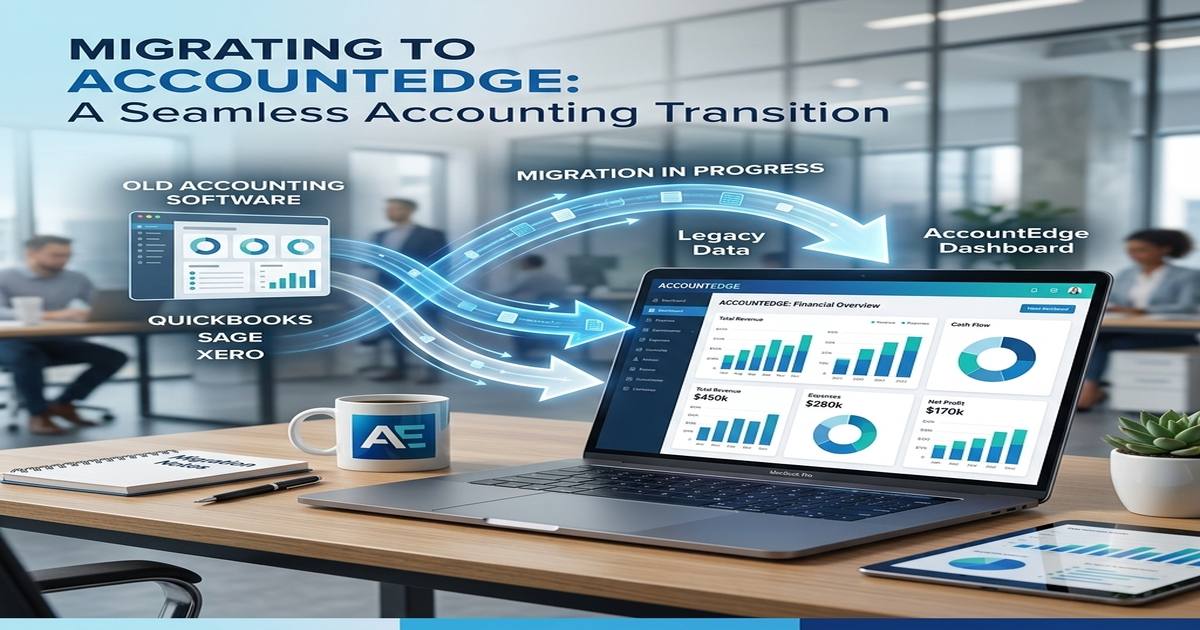
Migrate from QuickBooks to AccountEdge: A Complete Guide for Business Owners
If you have been using QuickBooks for your business accounting and feel that the platform no longer serves your needs the way it once did, you are not alone. Thousands of business owners every year choose to migrate from QuickBooks to AccountEdge, and the reasons are both practical and financial. Rising subscription costs, limited offline functionality, and a lack of flexibility have pushed many small and medium-sized businesses to explore better alternatives.
AccountEdge stands tall as one of the most trusted and powerful desktop accounting solutions available today, and MMC Convert provides expert accounting data migration services to make the entire conversion process seamless, accurate, and completely stress-free.
Why Business Owners Migrate from QuickBooks to AccountEdge
QuickBooks has long been a popular name in business accounting. However, as businesses grow and their needs evolve, the limitations of QuickBooks become increasingly difficult to ignore. Many users find the cloud-only model frustrating, especially when internet connectivity is unreliable. Others are put off by the ever-increasing subscription fees that pile up year after year without offering meaningful new value.
AccountEdge, by contrast, is a full-featured desktop accounting software that gives you complete ownership of your data. No recurring cloud subscription fees are eating into your profits. You have full control over your financial records at all times. For businesses that deal with payroll, multi-currency transactions, inventory, and detailed financial reporting, AccountEdge delivers a far more comprehensive and customisable experience than QuickBooks.
The QuickBooks to AccountEdge migration is also driven by a desire for better payroll management, more robust inventory tracking, and superior contact management tools. AccountEdge desktop is built to handle the complexity of real business operations without overwhelming the user with unnecessary features or hidden costs.

What You Carry Over When You Convert
One of the biggest concerns business owners have when they consider switching accounting software is data loss. Will your transaction history come across? What about your payroll records, vendor balances, customer data, and inventory levels? These are entirely valid concerns, and they are precisely why choosing a specialist conversion partner like MMC Convert makes all the difference.
When you migrate from QuickBooks to AccountEdge with MMC Convert, you do not leave anything behind. Your complete financial history, including all previous years of transactions, is converted and transferred with full accuracy. Every payroll record, every customer invoice, every vendor payment, and every multi-currency entry is preserved exactly as it appeared in QuickBooks. You can pick up your business from where you left off, without missing a beat.
How to Convert from QuickBooks to AccountEdge?
MMC Convert has built a simple, structured, and reliable process to make your QuickBooks-to-AccountEdge data conversion as smooth as possible.
Step 1: Load File.
Upload your existing QuickBooks data file securely through the MMC Convert platform. The system guides you through every step, so the process is clear and straightforward from the very beginning.
Step 2: Select Service and Provide Details
Choose the QuickBooks to AccountEdge conversion service and share any specific requirements or preferences you have about how your data should be handled and structured in the new software.
Step 3: Make Payment
Complete a simple and secure payment to confirm your order. MMC Convert offers transparent pricing with no hidden surprises, so you always know exactly what you are paying for.
Step 4: Leave the File with MMC Convert
Once your order is confirmed, the expert MMC Convert team takes over entirely. You do not need to perform any technical tasks or monitor the process. Just sit back and let the professionals handle it.
Step 5: Receive Subscription Transfer
Your fully converted AccountEdge data file is delivered to you, ready to use. All your records are in place, your payroll is set up, and your financial history is intact. Everything is exactly where it should be.
Features of AccountEdge That Make the Conversion Worthwhile
When you migrate from QuickBooks to AccountEdge, you gain access to a platform genuinely built for modern business needs. Here are the standout features that make AccountEdge the preferred choice.
1. Full Desktop Functionality: AccountEdge desktop works completely offline, so your accounting never stops, even when your internet connection does.
2. No Recurring Subscription Costs: Unlike QuickBooks, AccountEdge does not lock you into expensive monthly or annual subscription plans that keep increasing in price.
3. Advanced Payroll Processing: Manage employee wages, tax deductions, and payslips with precision. AccountEdge handles the complexity of payroll so you do not have to.
4. Multi-Currency Support: Run international business confidently. AccountEdge manages foreign currency transactions at the correct exchange rates without any manual adjustments.
5. Inventory Management: Track stock levels, manage purchase orders, and monitor cost of goods with AccountEdge’s built-in inventory management tools.
6. Customisable Invoicing: Create professional, branded invoices and send them directly from the software. Track payments and outstanding balances in real time.
7. Detailed Financial Reporting: Generate profit and loss statements, balance sheets, cash flow reports, and tax summaries with just a few clicks.
8. Bank Reconciliation: Match your bank transactions to your records quickly and accurately, keeping your accounts balanced at all times.
9. Contact and Customer Management: Maintain a complete database of customers and vendors with full transaction history and communication records stored in one place.
10. Data Security: Your financial data stays on your own system, protected from the risks of cloud breaches and third-party server outages.
About MMC Convert
MMC Convert specialises in accounting software conversions and has helped thousands of businesses successfully migrate from QuickBooks to AccountEdge and many other platforms. The team brings deep technical expertise, meticulous attention to detail, and a genuine commitment to making every conversion experience hassle-free.
Whether you need a standard data transfer or a fully customised conversion that accounts for specific business requirements, MMC Convert delivers with accuracy and within the promised timeframe. The team converts the full history of your financial data, including all previous years, so your new AccountEdge file is a complete and faithful mirror of your QuickBooks records.
Multi-currency transactions are carried over at the exact exchange rates from the source software. Payroll records are set up so your team can continue without interruption. And if you have any unique requirements, MMC Convert will tailor the process precisely to your needs.
Take the First Step Today
The decision to migrate from QuickBooks to AccountEdge is one of the smartest moves a growing business can make. You gain more control, more features, and more value without the burden of endless subscription fees. And with MMC Convert as your conversion partner, the entire process is handled by experts who guarantee accuracy, timeliness, and complete data integrity.
Now is the time to leave behind the limitations of QuickBooks and step into a better accounting experience with AccountEdge. Contact us to migrate from QuickBooks to AccountEdge, and we will make your transition smooth, fast, and completely worry-free.
Frequently Asked Questions
1. Will I lose my historical data during the migration?
No, MMC Convert ensures a complete mirror image of your records. We transfer all previous years of financial history from QuickBooks directly into AccountEdge desktop.
2. Can I continue processing payroll immediately after moving?
Yes, we set up all transactions and payroll records exactly as they were in QuickBooks, allowing your team to resume pay cycles without any manual re-entry.
3. How does MMC Convert handle multi-currency transactions?
We bring over every multi-currency entry using the same foreign currency and exchange rates recorded in QuickBooks, maintaining absolute precision in your international financial books.
4. Is the migration process secure for my financial data?
Absolutely. Your data is uploaded through a secure portal and handled by experts. Since AccountEdge is desktop-based, your final records stay under your own control.
5. How long does the conversion process typically take?
Most QuickBooks to AccountEdge migrations are completed within a specified, timely window, ensuring your business faces minimal disruption while transitioning to your new accounting software.